
Dungeon Architect Quick Start Guide
Introduction
Dungeon Architect comes bundled with several examples to quickly get you started. The samples below use assets that are freely available (e.g. Infinity Blade’s Assets) and some are built on other paid assets, which you can readily use if you have them already.
Download Content Pack
Download the Quick Start Content pack for Dungeon Architect version 2.12+
Plugin Installation (Manual)
If you have purchased the plugin from the Marketplace, install it from the Epic Launcher
If you have purchased it from the website, follow these steps:
- Create a directory named Plugins in your game’s root directory
- Extract the content of the downloaded plugin into the plugins directory. All major versions of UE4 are supported since 4.12. Choose the appropriate one to copy into the Plugins folder
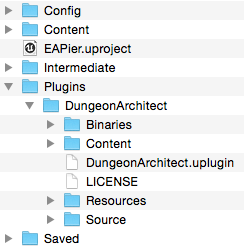
- Refer the User Guide for more info
Installation Video Tutorial
Build a dungeon (Design Time)
The plugin comes with sample assets and maps to get you started. Open the test map where everything is already setup
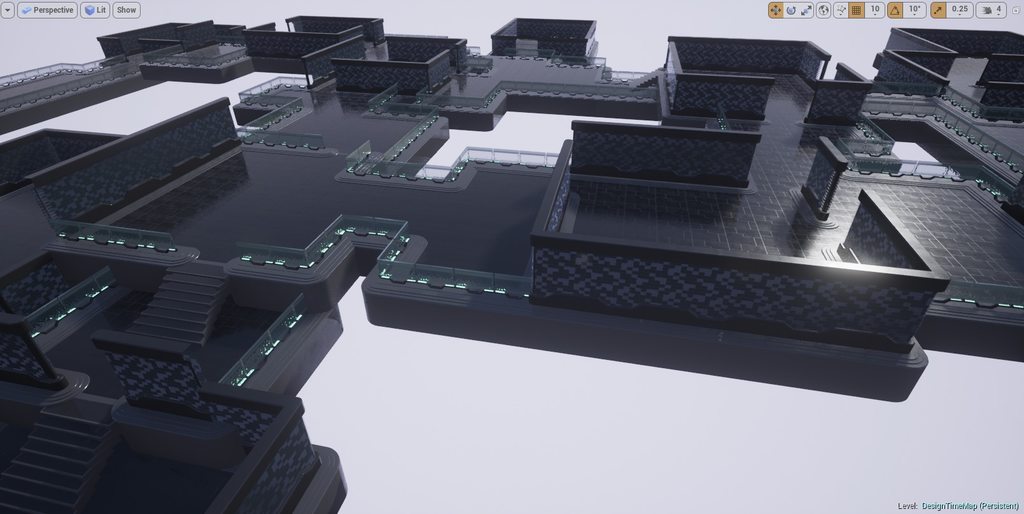
- Install Dungeon Architect plugin
- Download and extract the Quick Start Content Pack
- Copy the extracted
Content/DA_StarterPackfolder into your game’sContentfolder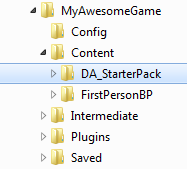
- Open the sample map by navigating to
Content > DA_StarterPack > Maps > DugeonDesignTime - From the world outliner, click the Dungeon1 Actor.
- In the details panel, you will find 3 buttons in the Dungeon category. Click the Build Dungeon button. This will create a procedural dungeon in your scene using a sample theme you just extracted
- The config structure contains various parameters that can be tweaked to get different results
To build this setup yourself from scratch, refer the User Guide
Build a dungeon (Runtime)
Random dungeons can be created at runtime (e.g. during level load) using a random seed (some number) and various tweakable parameters and have the map populated with powerups, spawn points, NPCs etc. All this can be done using pure blueprints and this sample map shows you how to do it
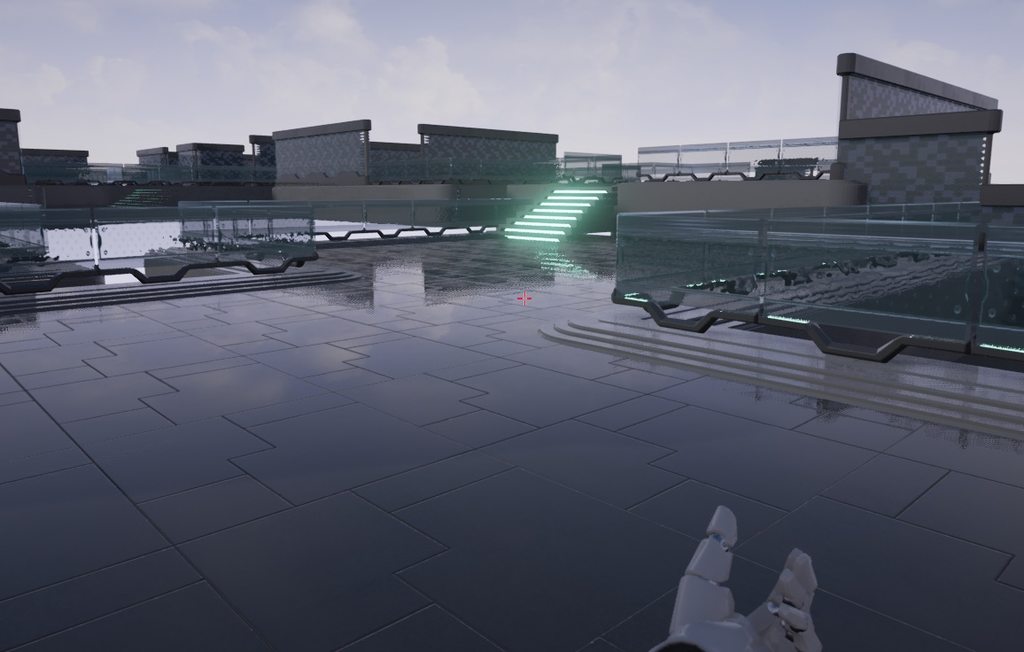
- Install Dungeon Architect plugin
- Copy the extracted
Content/DA_StarterPackfolder into your game’sContentfolder - Open the sample map by navigating to
Content > DA_StarterPack > Maps > DungeonRuntime - The scene is empty. Click the play button to have the procedural scene generated at runtime. A different level is generated on each run
- Open the level blueprint to see how this is done
Level Authoring by Players (Runtime)
Dungeon Architect empowers not just your level designer, but also your players. This sample shows how you can have an in-game level editor and let your player design the layout of the levels. Most of the heavy lifting is done by the plugin. This game mode is designed entirely in blueprints.
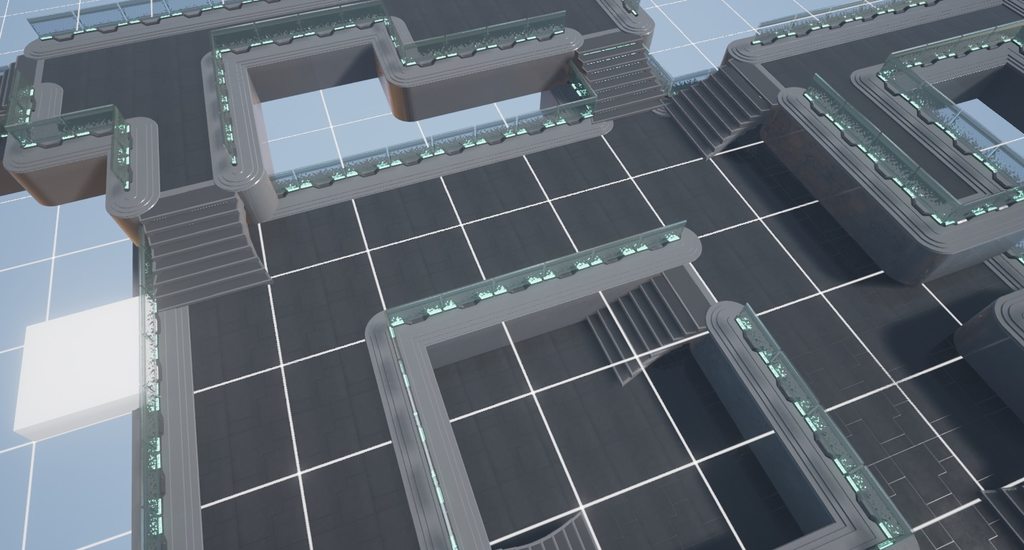
- Install Dungeon Architect plugin
- Copy the extracted
Content/DA_StarterPackfolder into your game’sContentfolder - Open the sample map by navigating to
Content > DA_StarterPack > Maps > RuntimeLevelBuilder - Do not build the dungeon. Just hit play
Controls
- Use WASD to move around
- Hit space to enter / exit build mode
- In build mode, Left click to draw, right click to erase
- Use the mouse wheel to change level (height)
Infinity Blade: Fire Lands Theme (Hell Forge)
Generate beautiful cave like procedural levels using assets from Infinity Blade’s Fire Lands asset pack
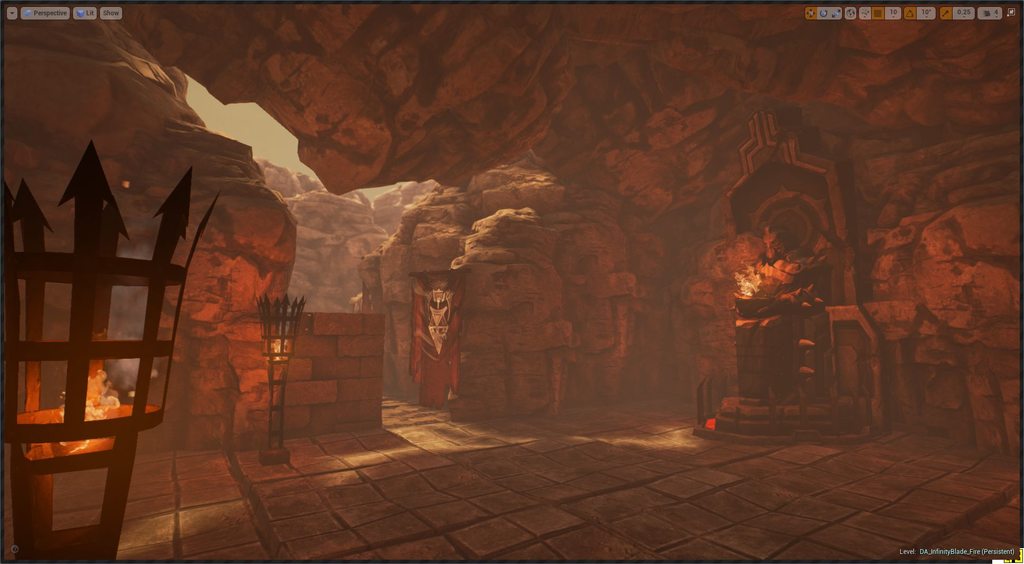
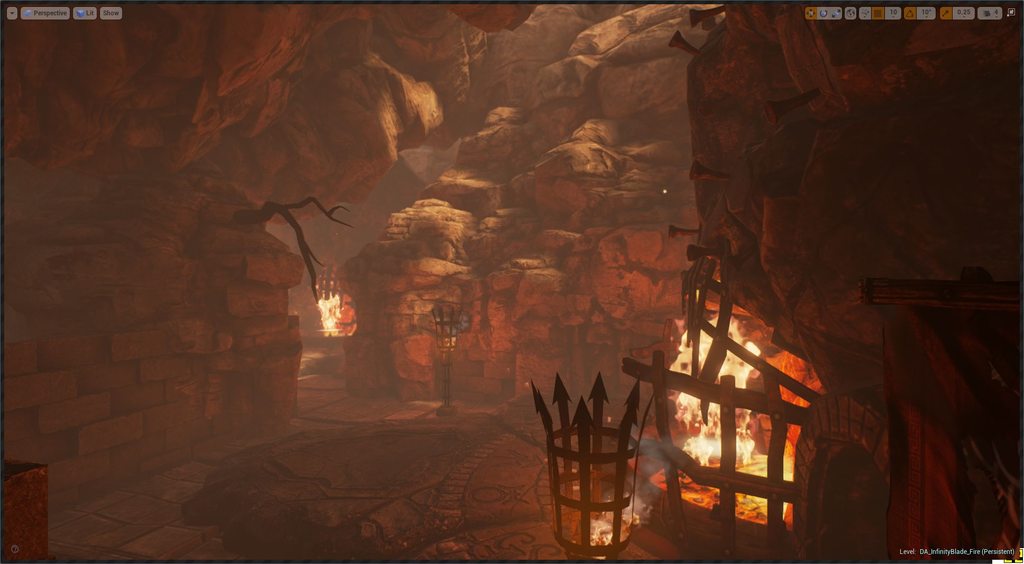
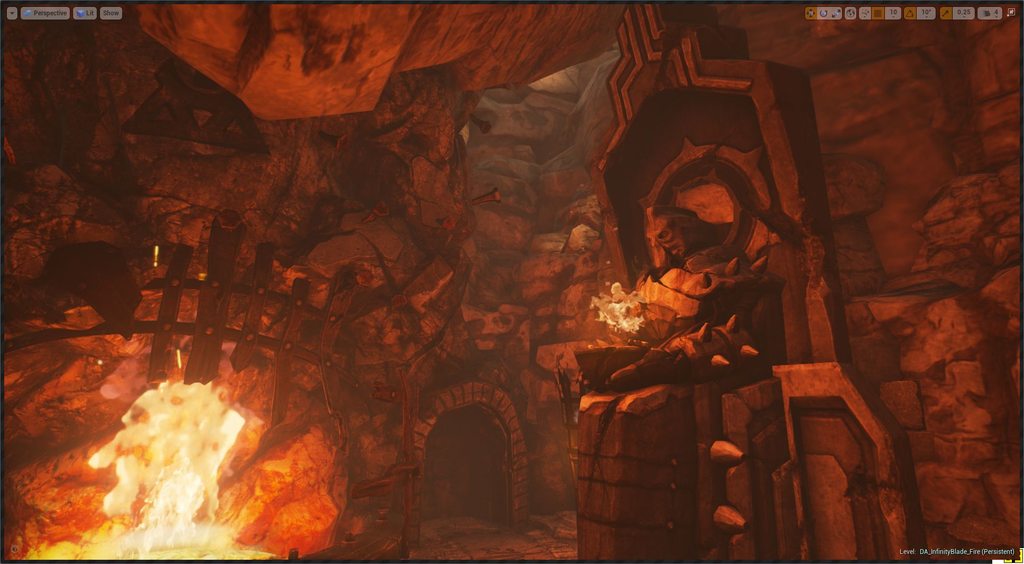
- Create a new project (e.g Third Person)
- Install Dungeon Architect plugin
- Add the Infinity Blade Fire Lands pack in your game project
- Add the Infinity Blade Effects pack in your game project
- Copy the
Content/DA_InfinityBlade_Firefolder into your game’s Content folder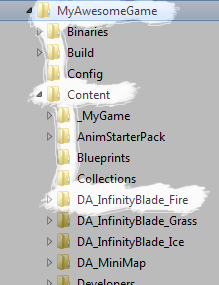
- Explore the maps in the
Content/DA_InfinityBlade_Fire/Mapsfolder
Infinity Blade: Ice Lands Theme (Frost Forge)
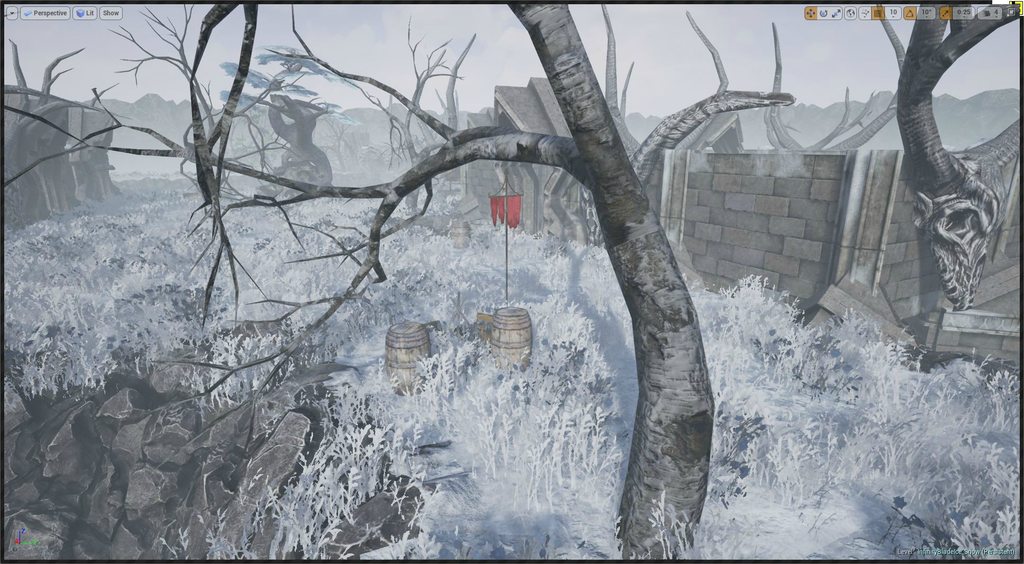
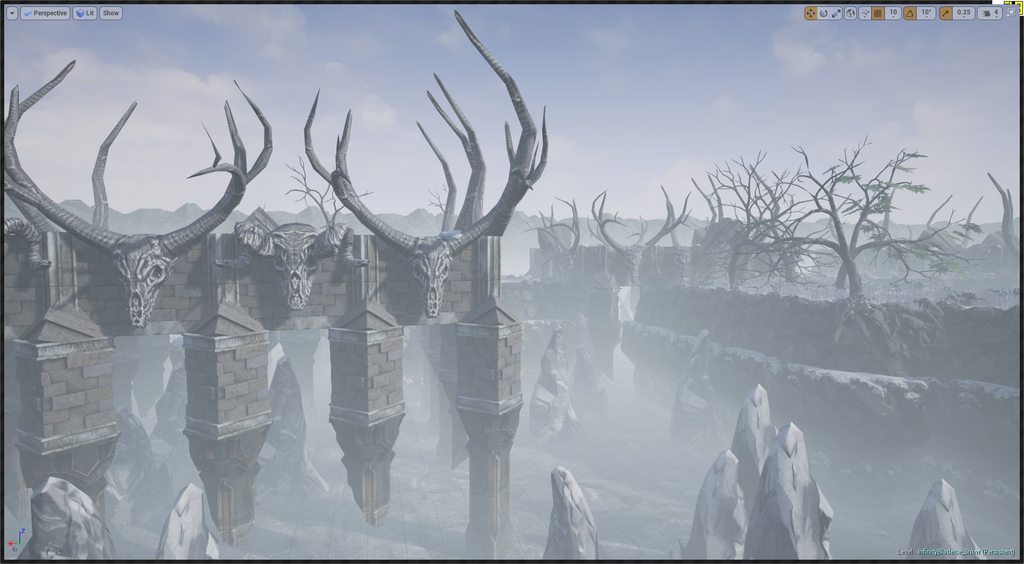
Generate beautiful procedural levels using assets from Infinity Blade’s Ice Lands asset pack
- Create a new project (e.g an Third Person)
- Install Dungeon Architect plugin
- Add the Infinity Blade Ice Lands pack in your Content folder
- Copy the
Content/DA_InfinityBlade_Icefolder into your game’sContentfolder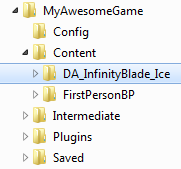
- Explore the maps in the
Content/DA_InfinityBlade_Ice/Mapsfolder
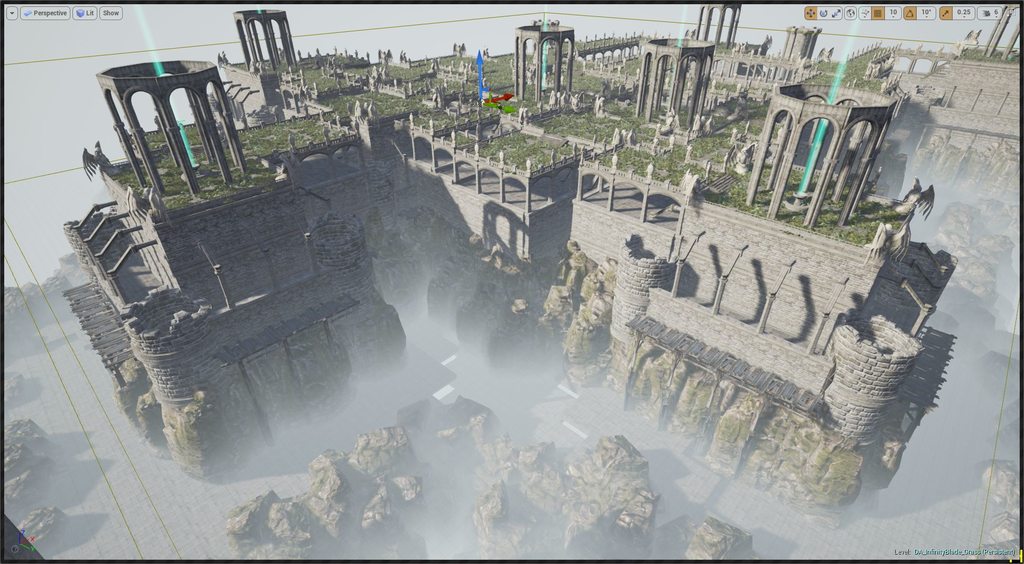
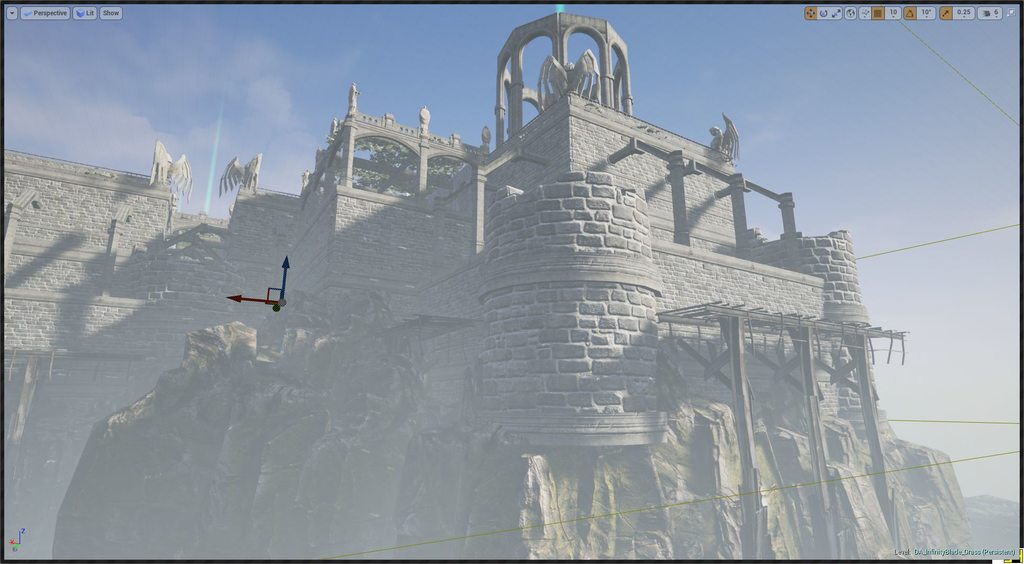
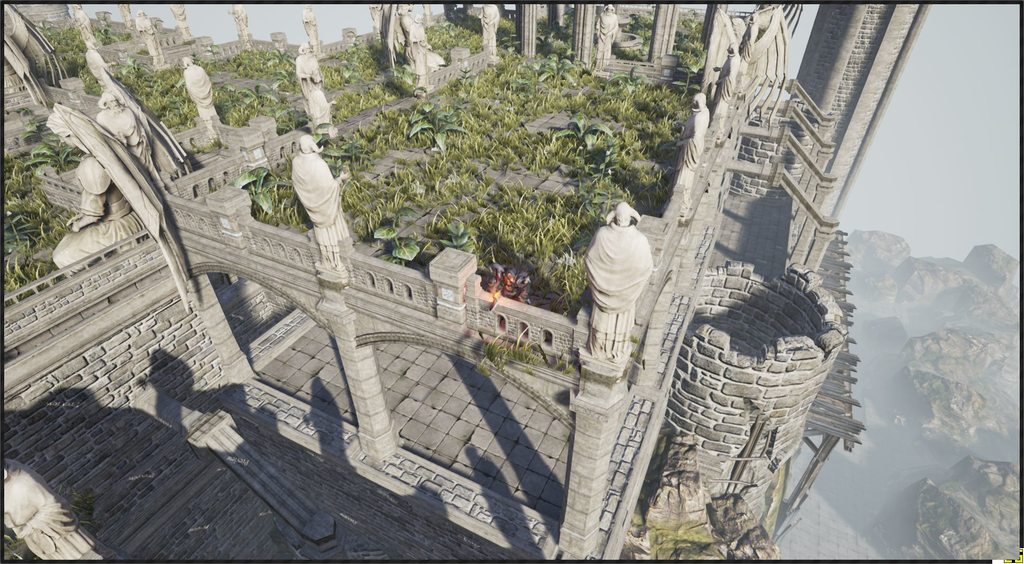
Infinity Blade: Grass Lands Theme (Elven Gardens)
Generate beautiful procedural levels using assets from Infinity Blade’s Grass Lands asset pack
- Create a new project (e.g an Third Person)
- Install Dungeon Architect plugin
- Add the Infinity Blade Grass Lands pack in your game project
- Add the Infinity Blade Effects pack in your game project
- Copy the
Content/DA_InfinityBlade_Grassfolder into your game’sContentfolder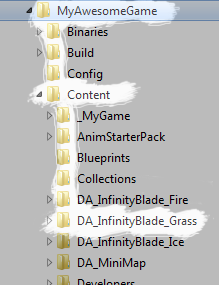
- Explore the maps in the
Content/DA_InfinityBlade_Grass/Mapsfolder
Candy
A simple theme created using royalty-free assets
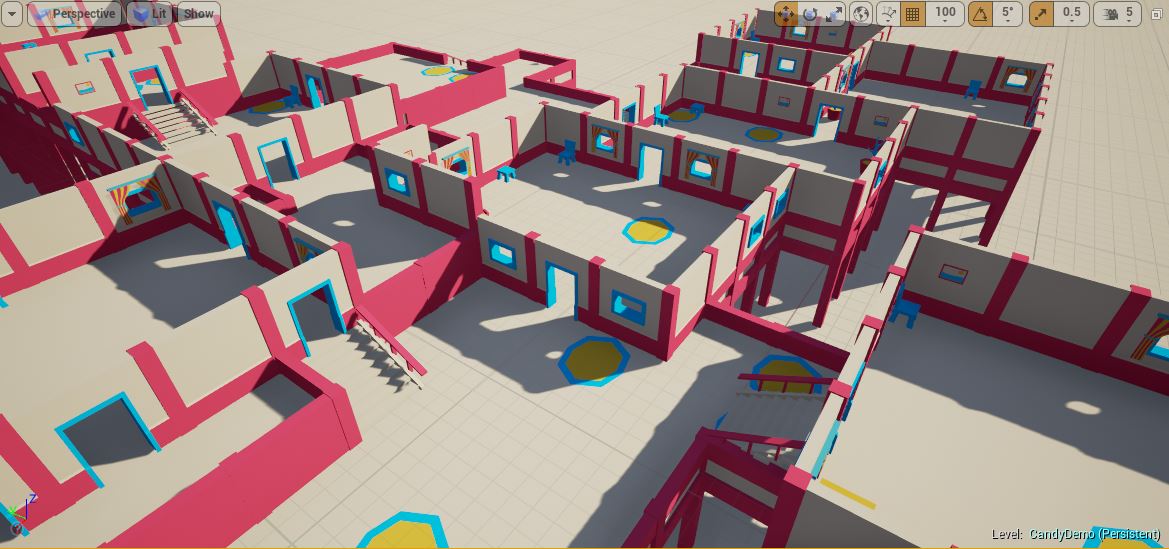
- Install Dungeon Architect plugin
- Copy the
Content/DA_Candyfolder into your game’sContentfolder - Explore the maps in the
Content/DA_Candy/Mapsfolder
Soul Forge
A theme created using the free Soul Cave asset from Epic Games
- Install Dungeon Architect plugin
- Add the free Soul Cave asset to your project
- Copy the
Content/DA_SoulForgefolder into your game’sContentfolder - Explore the maps in the
Content/DA_SoulForge/Mapsfolder
Basic Top-Down Theme
The very basic theme created using simple shapes
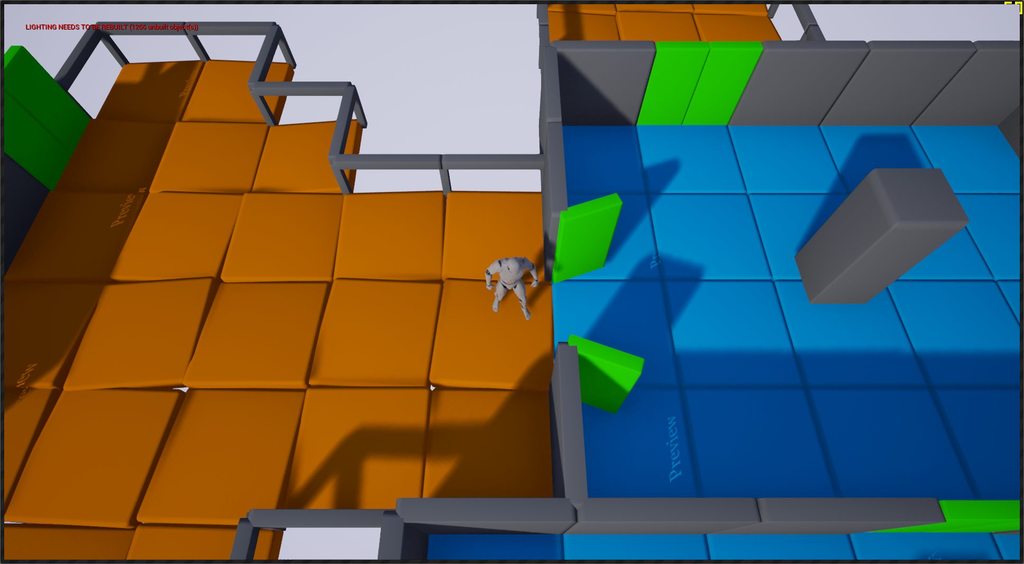
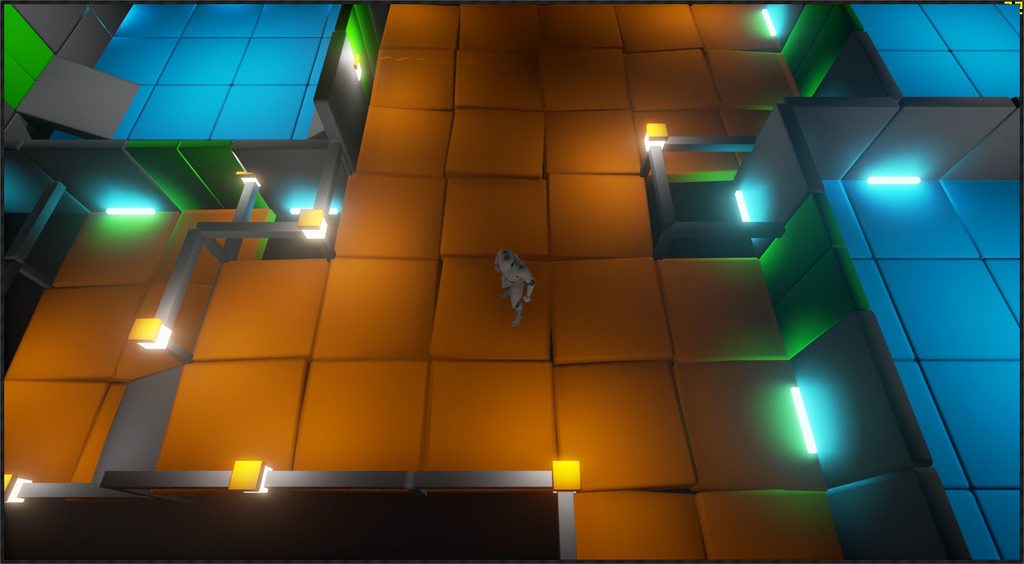
- Create a new project (e.g a Top-down game)
- Install Dungeon Architect plugin
- Copy the
Content/DA_TutorialGamefolder into your game’sContentfolder - Explore the maps in the
Content/DA_TutorialGame/Mapsfolder
Multiplayer Demo
Overview
Tutorial
This demo shows you how to create a random dungeon in a multiplayer setting:
- The server decides on a seed and sends it to all the clients.
- The clients build the dungeon locally
- The server waits till all the clients have build the dungeon before starting the game
- All players are teleported to valid locations in the dungeon
Installation Steps:
- Add third person blueprint feature to the project
- Copy the
Content/DA_MultiplayerDemofolder into your game’sContentfolder - Copy the
Content/DA_Candyfolder into your game’sContentfolder - Explore the maps in the
Content/DA_MultiplayerDemo/Mapsfolder - Check the video for more info
Landscape Transformer
Using the Landscape Transformer, you can have DA automatically modify a landscape’s height and weights (textures) around the dungeon’s layout
The landscape transformer is implemented as a event listener, so you’ll need to register it in the Dungeon actor’s event listener list under the Advanced category
- Copy the
Content/DA_Landscape_Modifierfolder into your game’sContentfolder - Explore the maps in the
Content/DA_Landscape_Modifier/Gridfolder
Procedural Deathmatch Map
Generate a random map at runtime with AI bots, powerups, spawn points etc scattered all over the map using only blueprints. It also shows you how to setup multiplayer dungeons, where the server propagates the dungeon seed value to all the clients so they generate the exact same dungeon
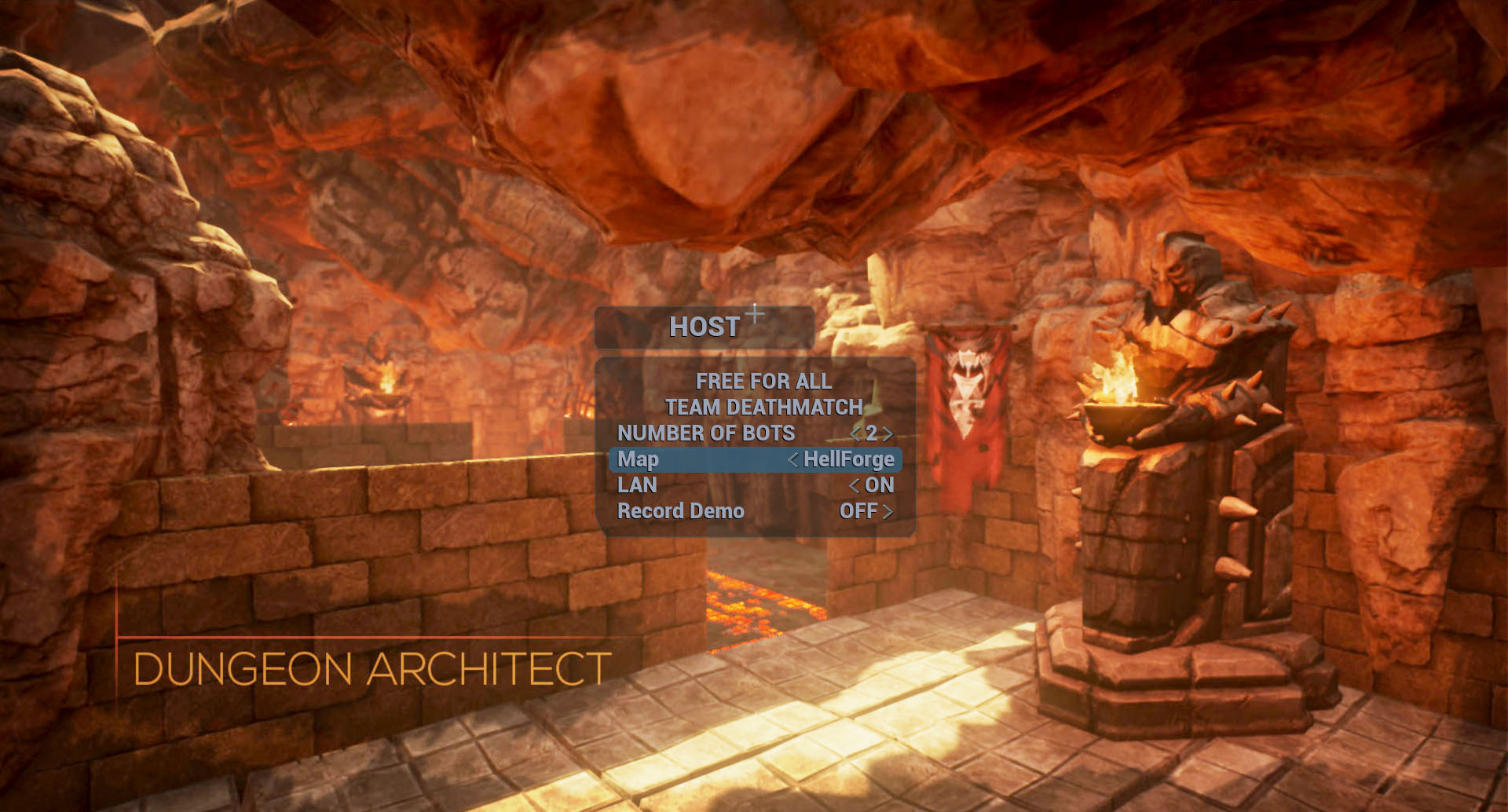
Follow the installation steps here
Destructible Demo
Demo that uses UE4’s Apex Destructible feature
- Enable Apex Destructible Plugin in the editor (Edit > Plugins)
- Add First Person Blueprint pack
- Copy
Content/DA_Destructiblefolder into your game’sContentfolder and explore the map
Query System Examples
The query system lets you query useful information about the generated dungeon so you can use it for gameplay specific tasks
- Copy
Content/DA_Query_Examplesfolder into your game’sContentfolder - Copy
Content/DA_Isaac_Demofolder into your game’sContentfolder - Copy
Content/DA_Candyfolder into your game’sContentfolder - Copy
Content/DA_TutorialGamefolder into your game’sContentfolder - Explore the maps in the
Content/DA_Query_Examples/GridandContent/DA_Query_Examples/Isaacfolder
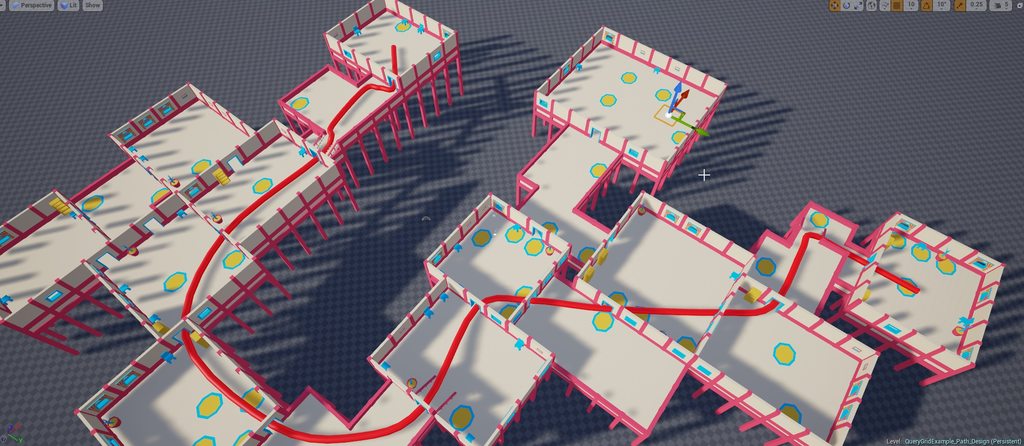
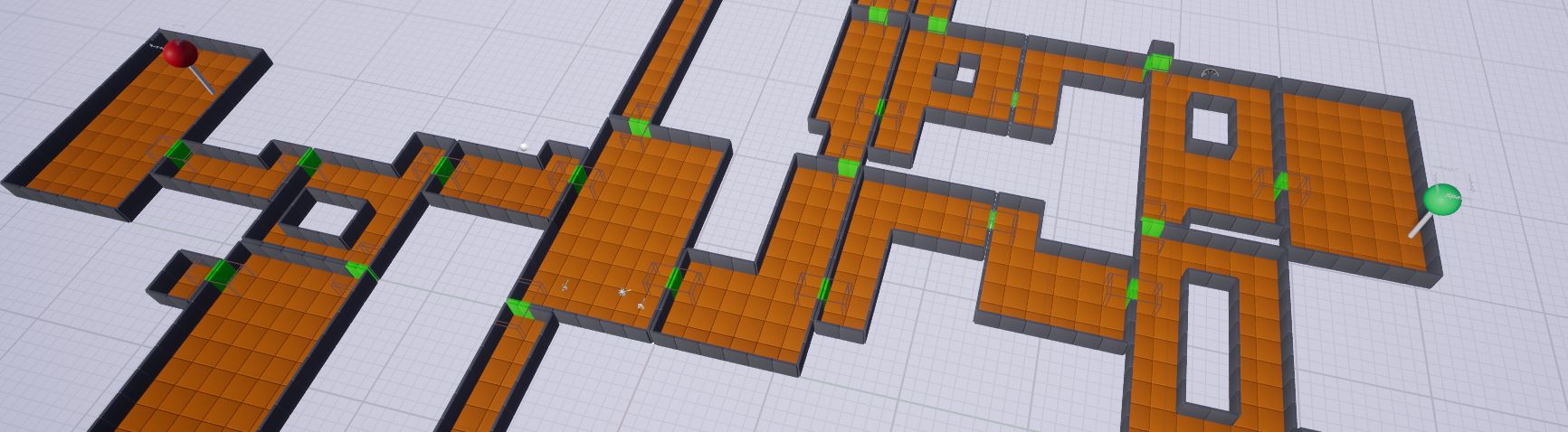
Path_DesignTime_GridQueryExample: Trace a path between any two rooms in a dungeon. The path properly goes through correct cell edge points (like doors and stairways). This demo uses a spline to draw a path
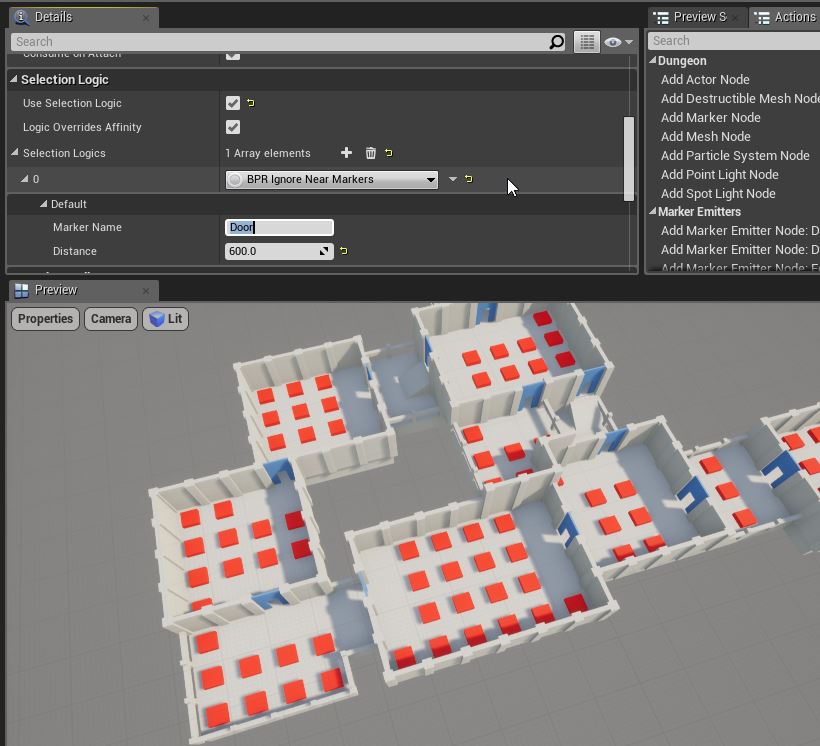
NearbyMarker_GridQuery: Query nearby markers from selector logic. These are great for not placing blocking assets near doors and starways
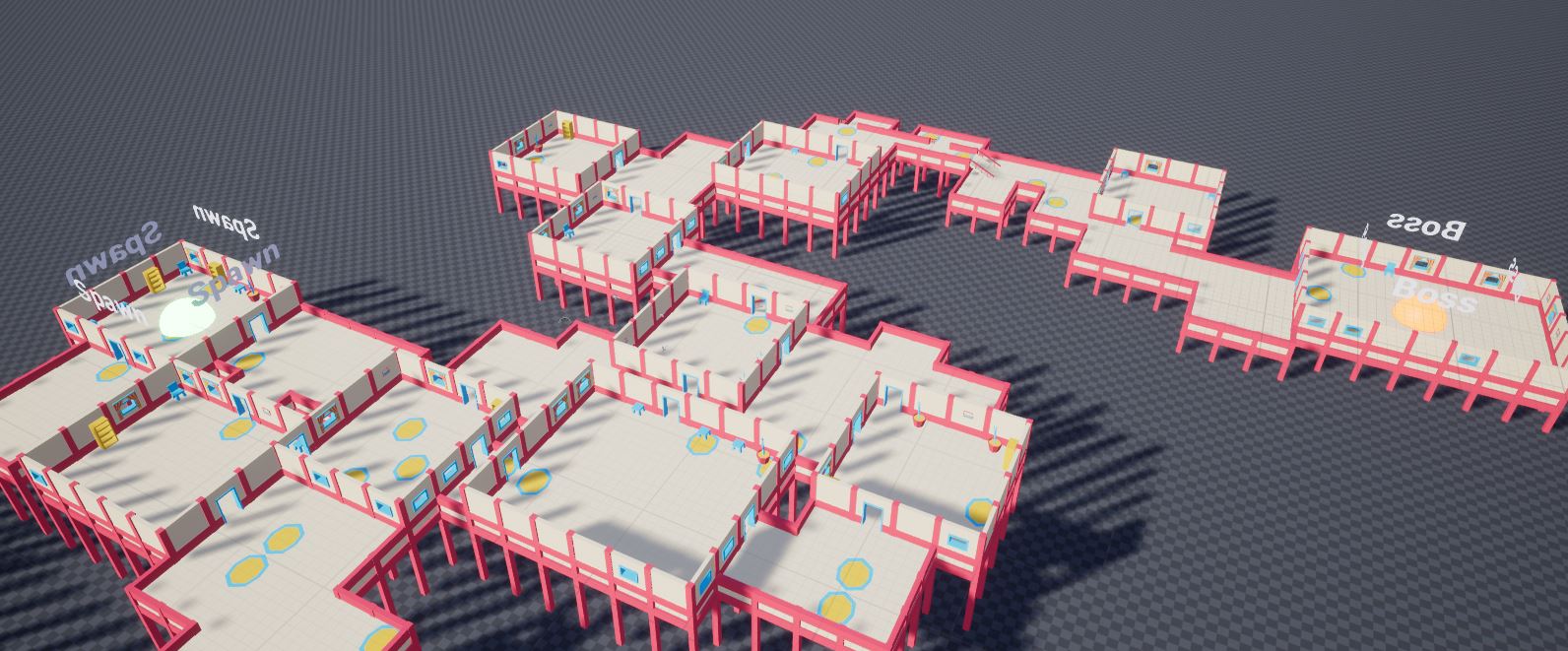
FurthestRooms_GridQueryExample: Query two furthest rooms in the dungeon and use them as spawn room and boss room
FurthestRooms_IsaacQueryExample: This demo shows how to query the start / end rooms of the isaac builder
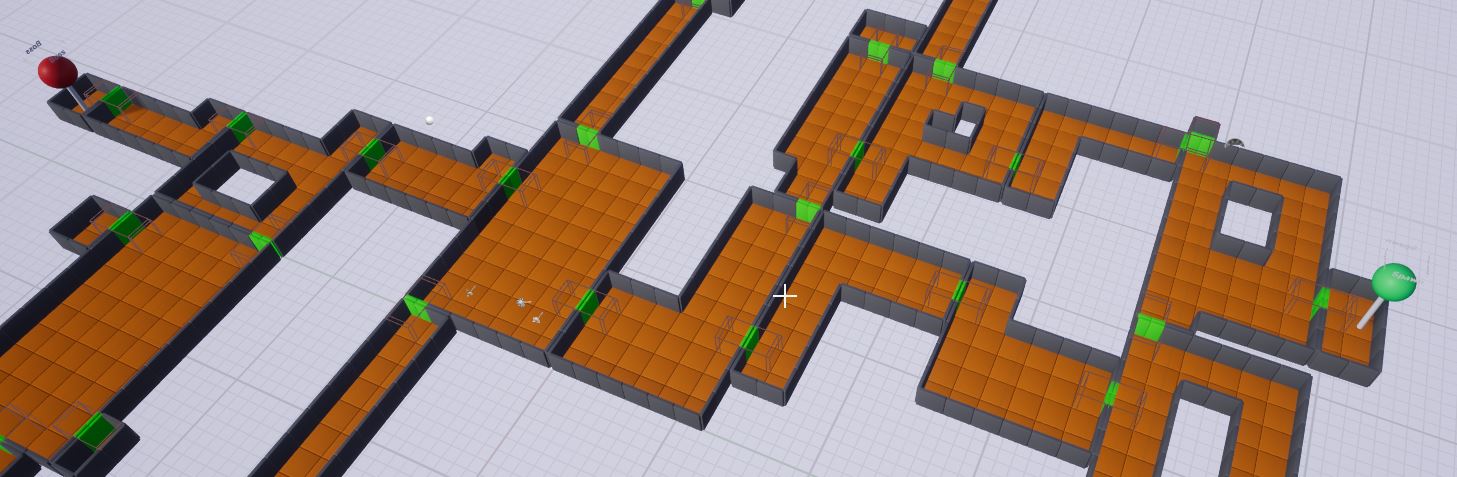
LargeStartEndRooms: The same as above demo but this forces the start / end room to remove shape decorations so they are large enough for spawning and boss room
Misc Examples
There are various examples showcasing various features of Dungeon Architect
- Copy
Content/DA_Misc_Examplesfolder into your game’sContentfolder - Copy the following folders into your game’s
Contentfolder:Content/DA_Candy,Content/DA_StarterPack,Content/DA_TutorialGame - Explore the maps in the
Content/DA_Misc_Examples/Maps
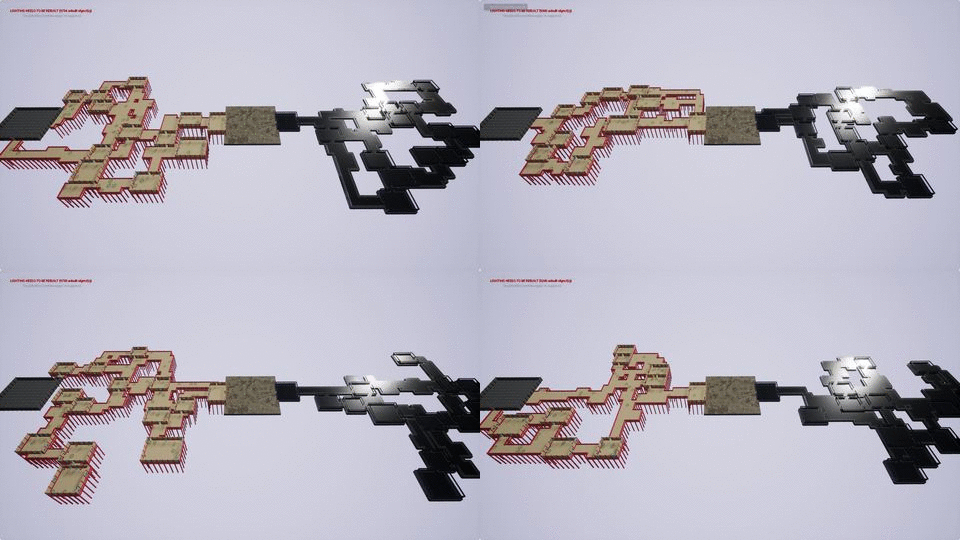
ClusteredTheming: Clustered theming feature allows you to automatically apply different themes to various parts (clusters) of your dungeons. This helps in adding variation to your levels
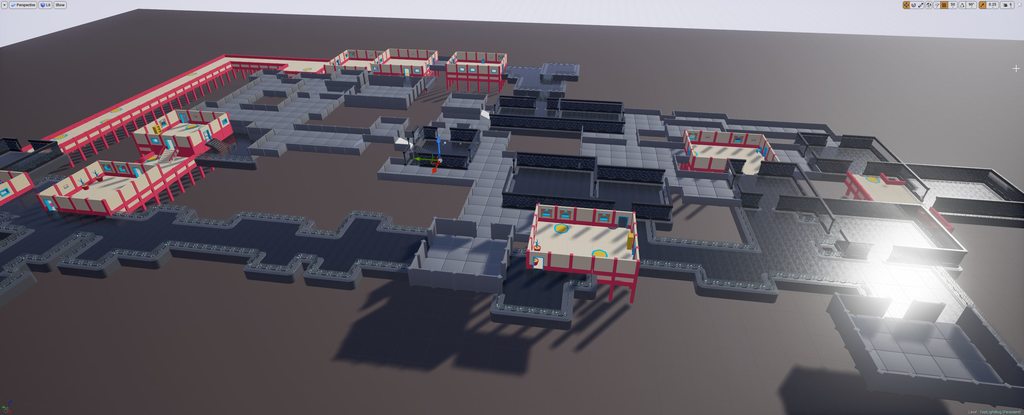
Multi_Dungeon_Custom_Layout: This demo shows to use multi-dungeon setup and blend it with user defined setup
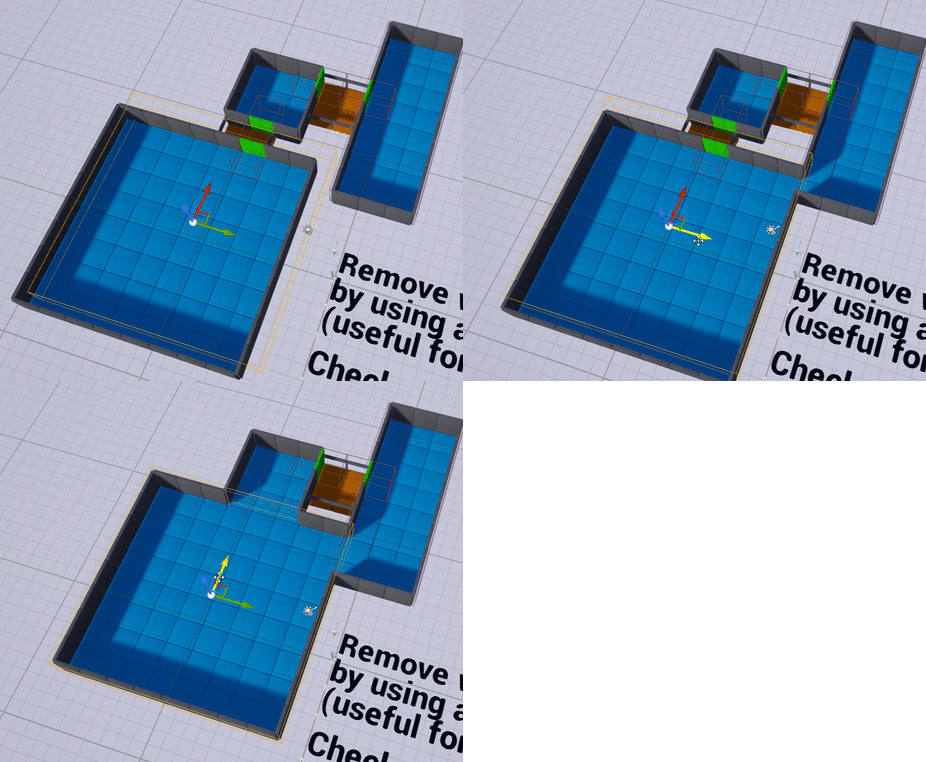
WallQueryDemo: This demo shows how to query nearby walls and decorate them differently if both are rooms, or remove the walls to merge the rooms together
Advanced_DungeonCurveFilter: Markers emitted by Dungeon Architect can be modified by a event listener before it is sent to the theming engine. This give you more low level control on the dungeon.
This example applies a curve filter on the markers
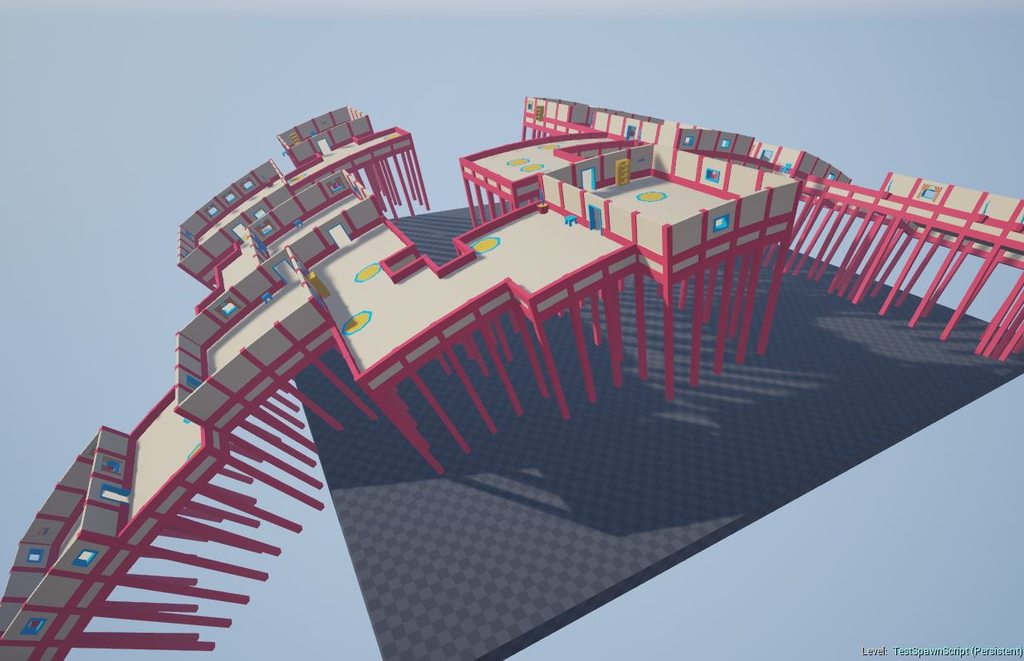
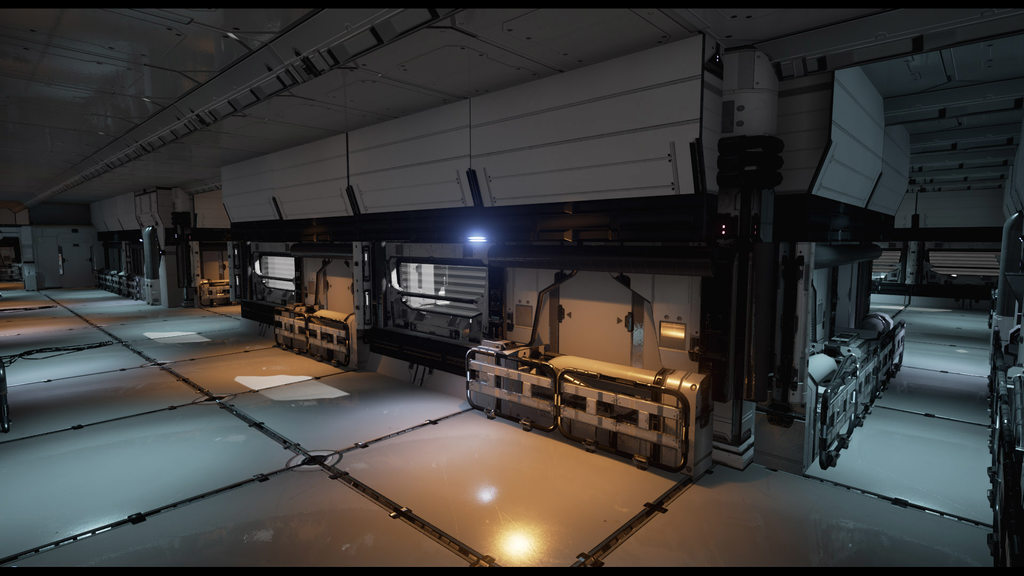
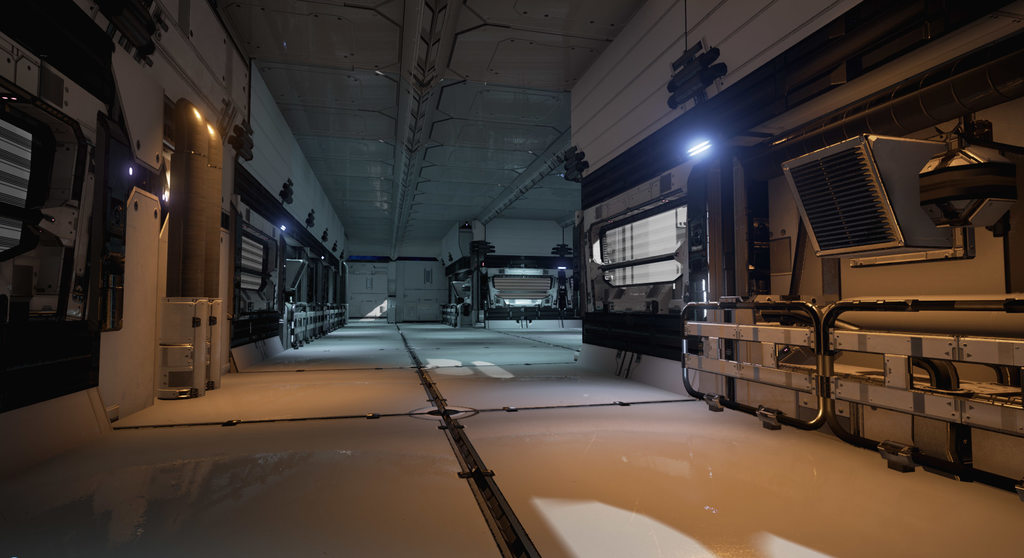
Scifi Theme
A set of theme files to generate sci-fi levels using the awesome SciFi Props Pack
- Create a new project (e.g an FPS project)
- Install Dungeon Architect plugin
- Install the SciFi Props Pack to your project
- Copy the
Content/DA_SciFi_Propsfolder into your game’sContentfolder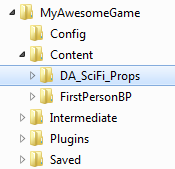
- Open the demo map
Content/DA_SciFi_Props/Maps/ScifiMapDemo - Select the
Dungeon1actor and click Build Dungeon from the Details window
Wooden Pier Theme
A theme file to generate levels using the awesome Modular Wooden Prop Pack
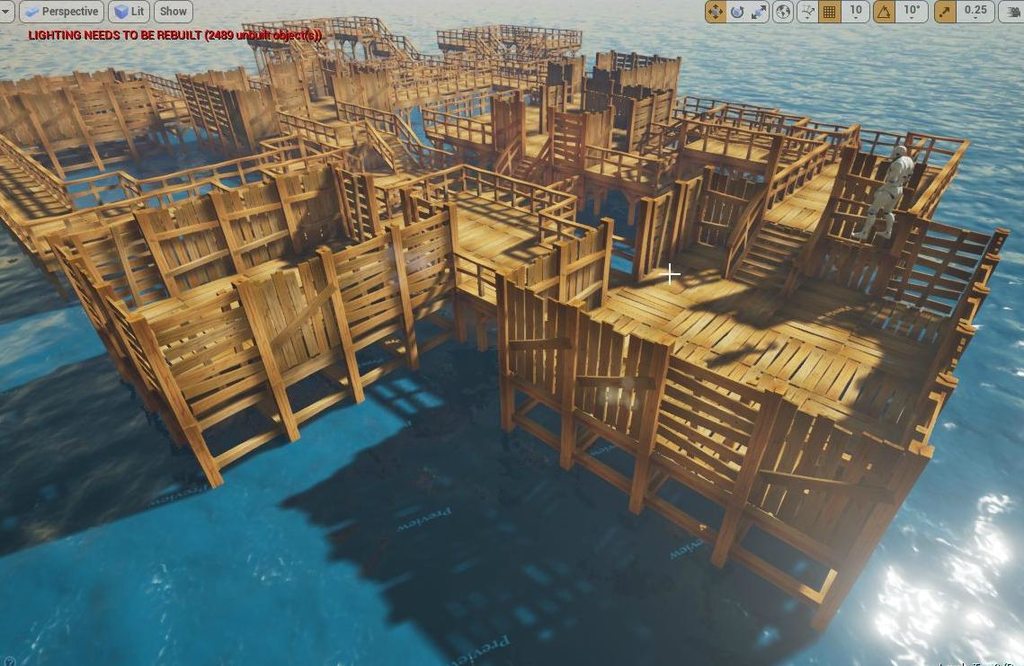
- Install Dungeon Architect plugin
- Install the Modular Wooden Prop Pack to your project
- Copy the
Content/DA_WoodenPierfolder into your game’sContentfolder - Explore the maps under
Content/DA_WoodenPier/Maps
Floor Plan Demo
Build floor plans for your indoor levels using the new Floor Plan Builder.
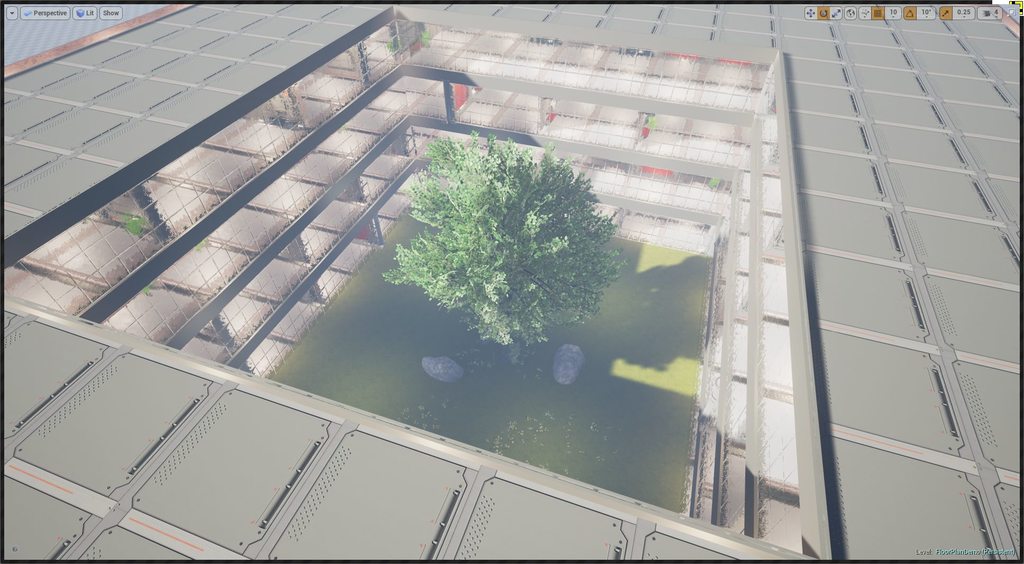
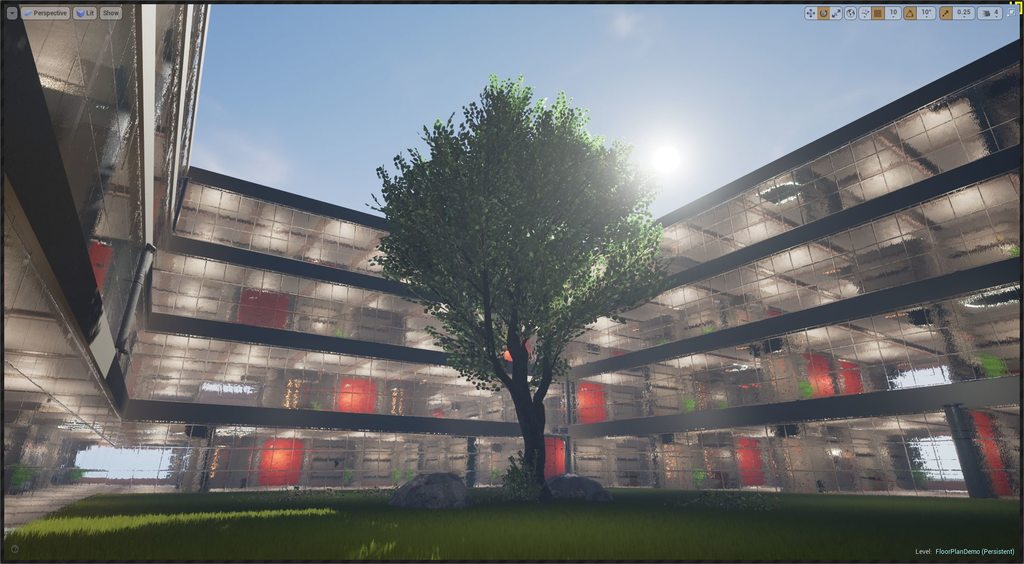
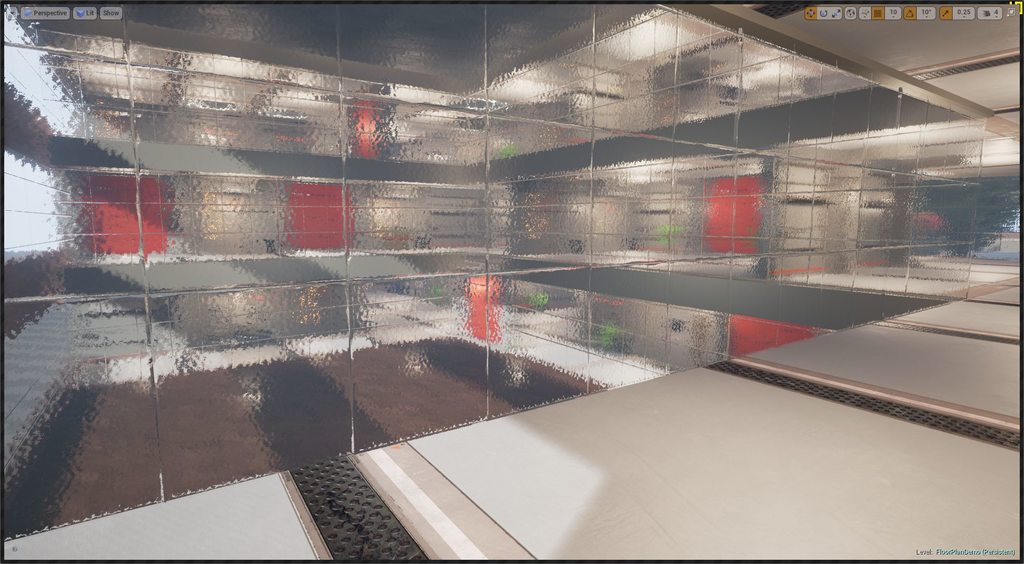
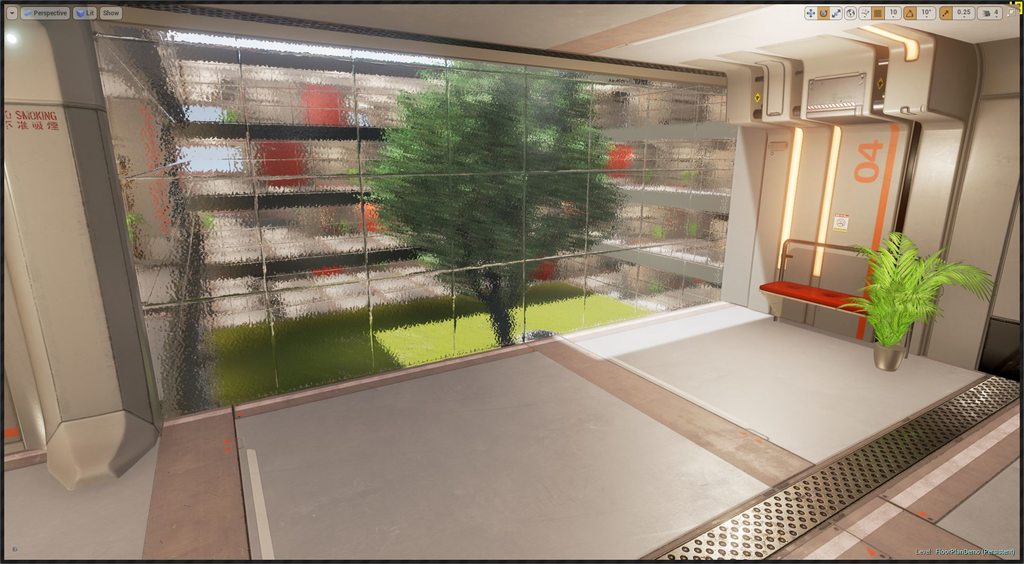
- Create a new project (has to be First Person Blueprint, since the demo uses a modified player controller for the lift buttons to work)
- Install Dungeon Architect plugin
- Install the free Sci-Fi Hallways (it’s ok to install an older compatible version)
- Copy the
Content/DA_Floorplan_Demofolder into your game’sContentfolder - Open the map
Content/DA_Floorplan_Demo/FloorPlan/OfficeBuilding - Press E to call the lift programmed in the demo
City Builder Demo
This demo shows how to use the city builder
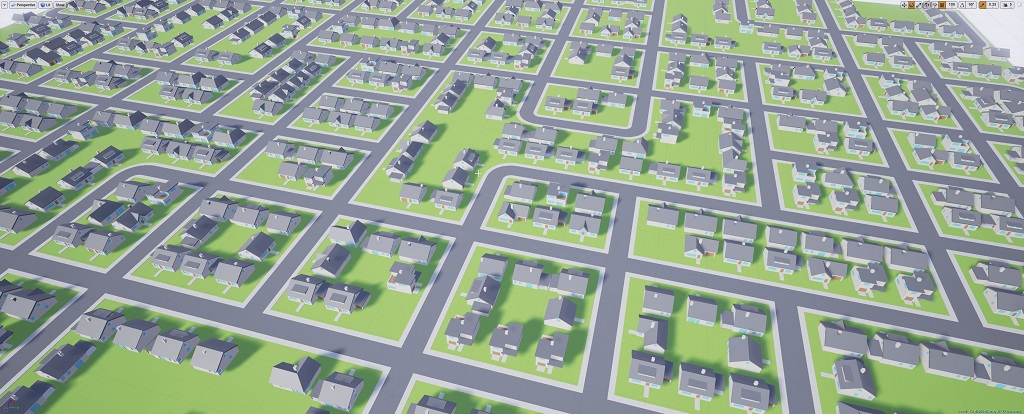
- Create a new project
- Install Dungeon Architect plugin
- Copy the
Content/DA_CityBuilder_Demofolder into your game’sContentfolder - Explore the maps under
Content/DA_CityBuilder_Demo/Maps
Snap Builder Demo
This demo uses the Snap builder to create a dungeon by stitching pre-built rooms (snap modules) together
Download the Source Code and copy it to the Contents folder
Custom Grid Builder Demo
The Custom Grid Builder has high level functions that you can use to define your own dungeon layouts. This demo shows how a custom layout was created in blueprints to create a dungeon layout along a straight line
- Copy the
Content/DA_CustomBuilderfolder into your game’sContentfolder - Explore the maps under
Content/DA_CustomBuilder/Maps - Check the Dungeon’s Builder class blueprint
BP_StraightLineBuilderfor an example on building your own layout
Outdoor Cliff
An outdoor theme built with free assets
- Install Dungeon Architect plugin
- Copy the
Content/DA_OutdoorClifffolder into your game’sContentfolder - Open the map
Content/DA_OutdoorCliff/ToonLand
Scifi Theme 2 (Manufactura K4)
A set of theme files to generate levels using the awesome Top-Down Sci Fi pack
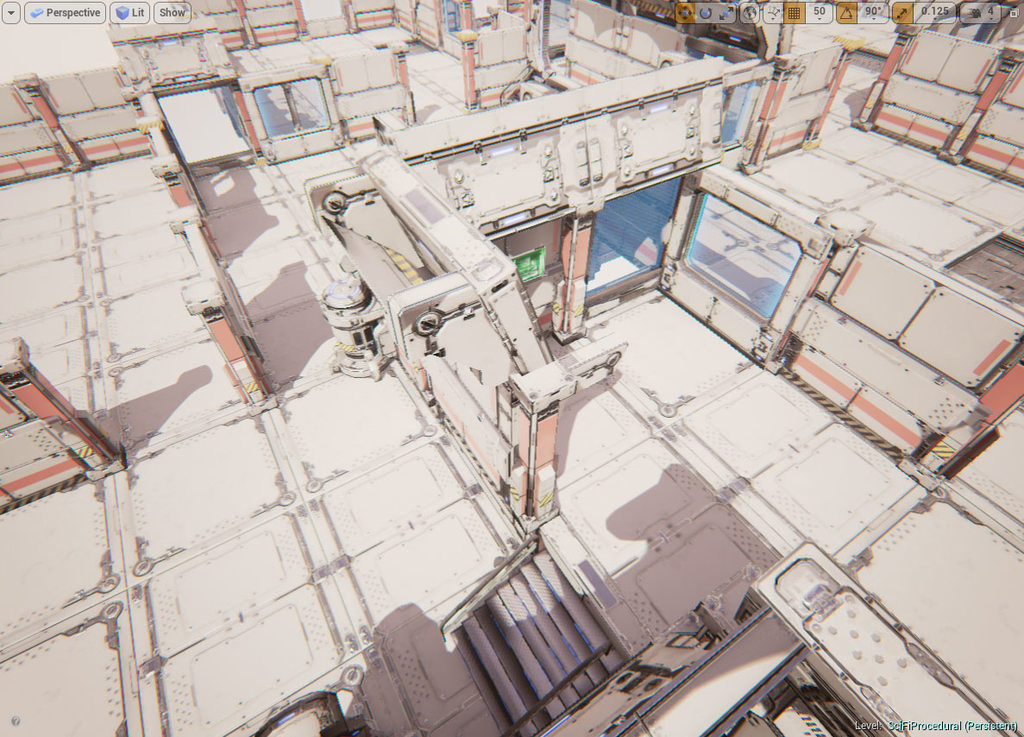
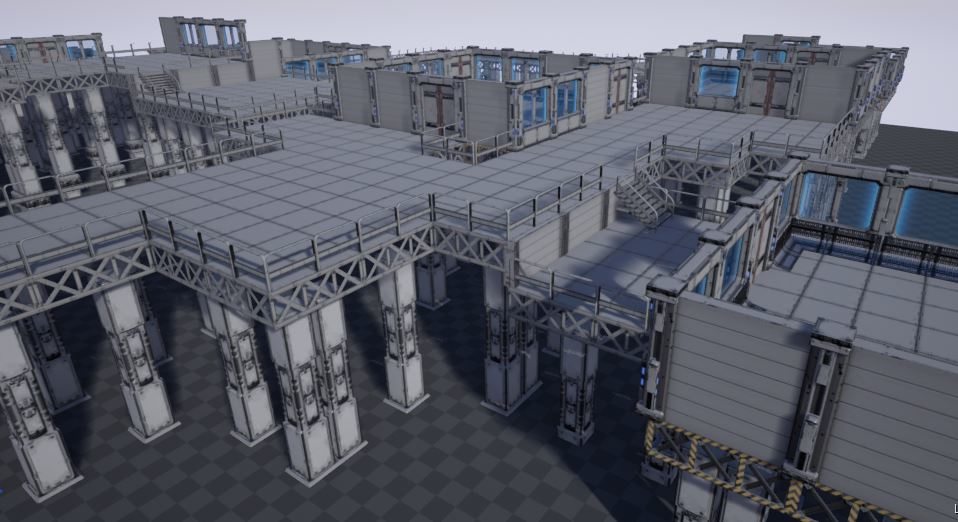
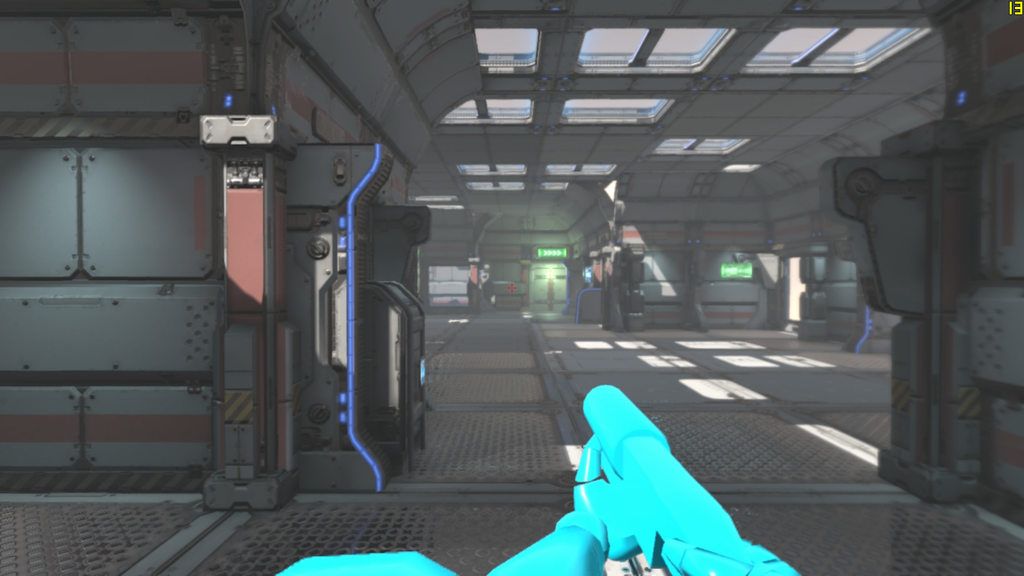
- Create a new project (e.g an FPS project)
- Install Dungeon Architect plugin
- Install Top-Down Sci-Fi pack to your project
- Copy the
Content/DA_SciFi_K4folder into your game’sContentfolder - Top-Down Theme:
- Open the demo map
Content/DA_SciFi_K4/Maps/DATopDown - Select the
Dungeon1actor and click Build Dungeon from the Details window
- Open the demo map
- FPS Theme:
- Open the demo map Content/DA_SciFi_K4/Maps/DAFPS
- Select the
Dungeon1actor and click Build Dungeon from the Details window
- Oil Rig Theme:
- Open the demo map Content/DA_SciFi_K4/Maps/DAOilRig
- Select the
Dungeon1actor and click Build Dungeon from the Details window
- Tweak the parameters and rebuild for a different dungeon. Try painting the layout with the paint tool
Isaac Builder Demo Map
A demo map showcasing the Isaac builder
- Create a Third Person Blueprint project
- Install Dungeon Architect plugin
- Copy the
Content/DA_Isaac_Demofolder into your game’sContentfolder - Open the map
Content/DA_Isaac_Demo/IsaacDemo
Snap Builder Demo Map
A demo map showcasing the Snap builder
COMING SOON